Rich overlays
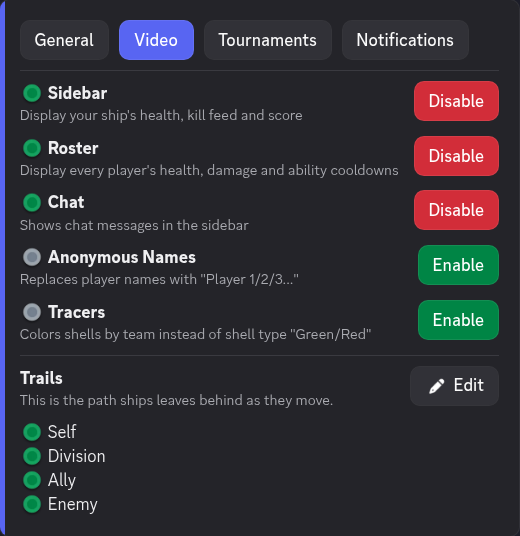
New and improved overlays for a better viewing experience. Rosters panels with each ship's health/consumables, timeline to view the whole game at a glance, and ship trails to better visualize ship movements.
Batch rendering
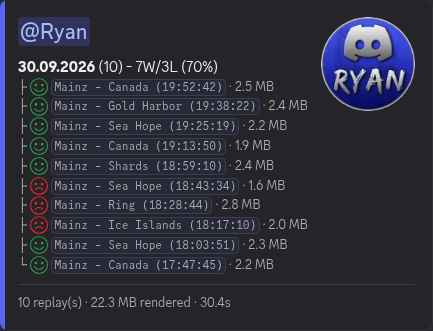
Do you have many replays to render? Not a problem, drop up to 10 files at a time and watch it render all of them in seconds.
Tournament mode
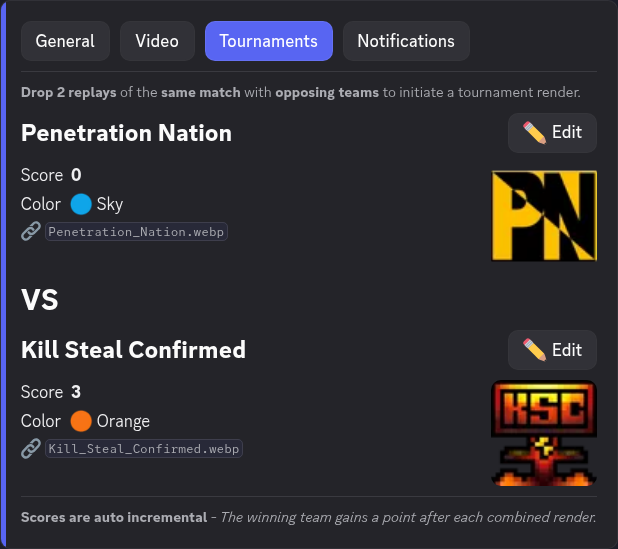
Drop both sides of a match to merge them into one team vs team render. Scores update automatically after each win. Set team names, icons and points in settings.
Full data renders
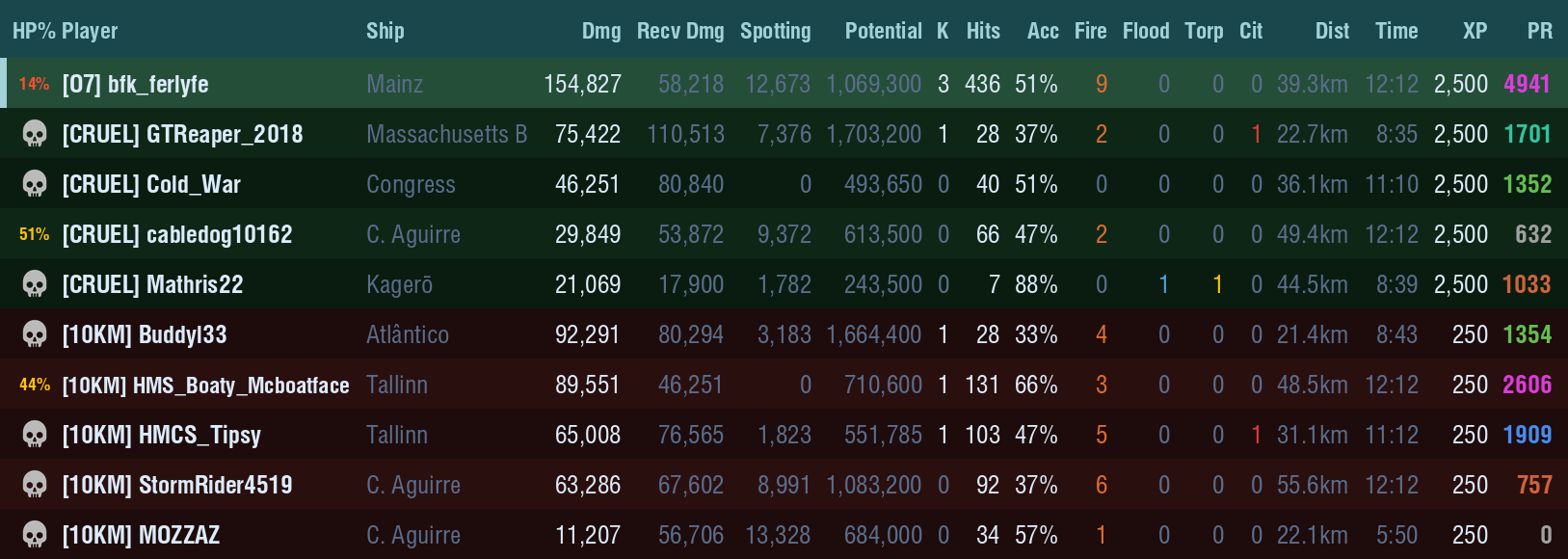
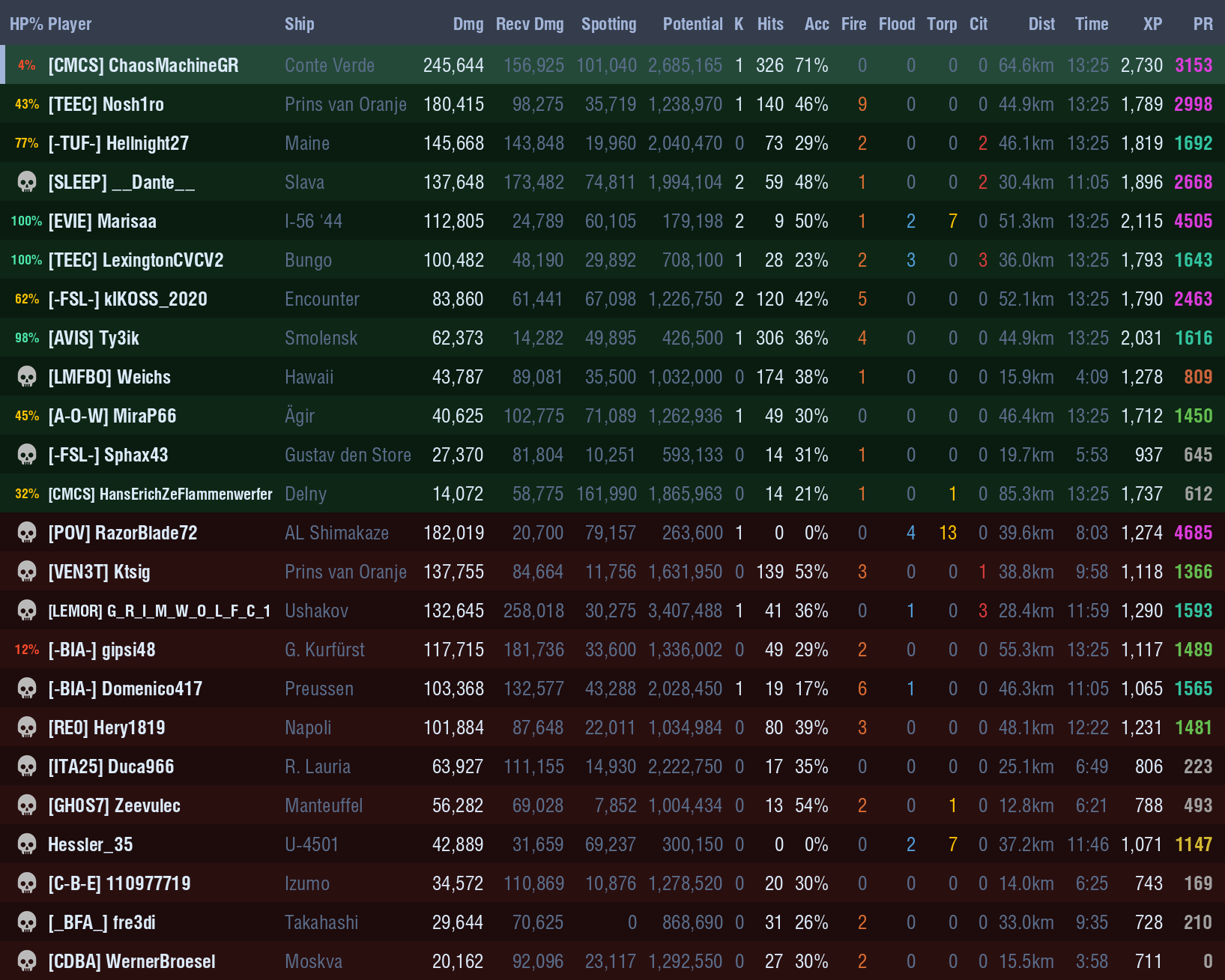
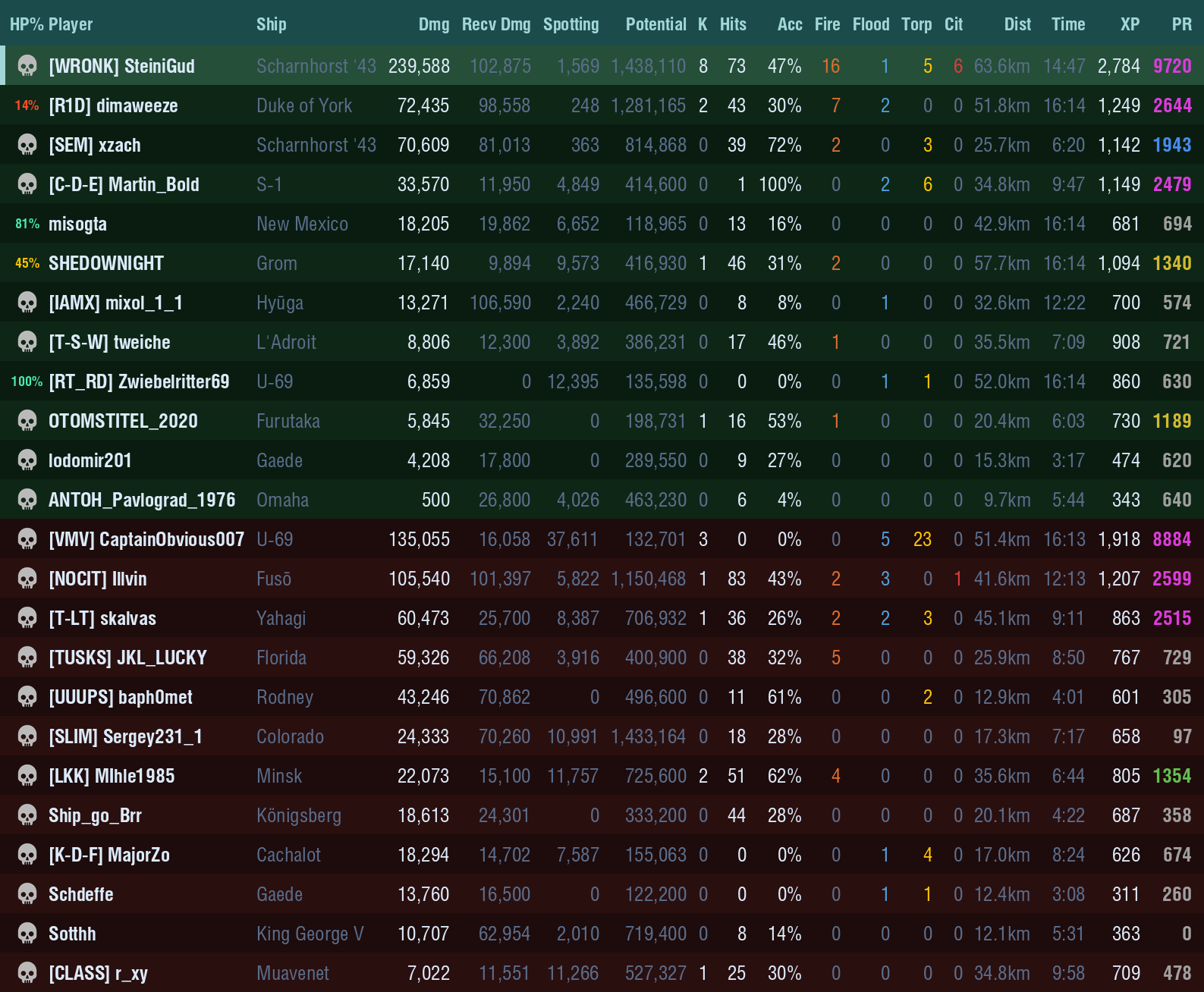
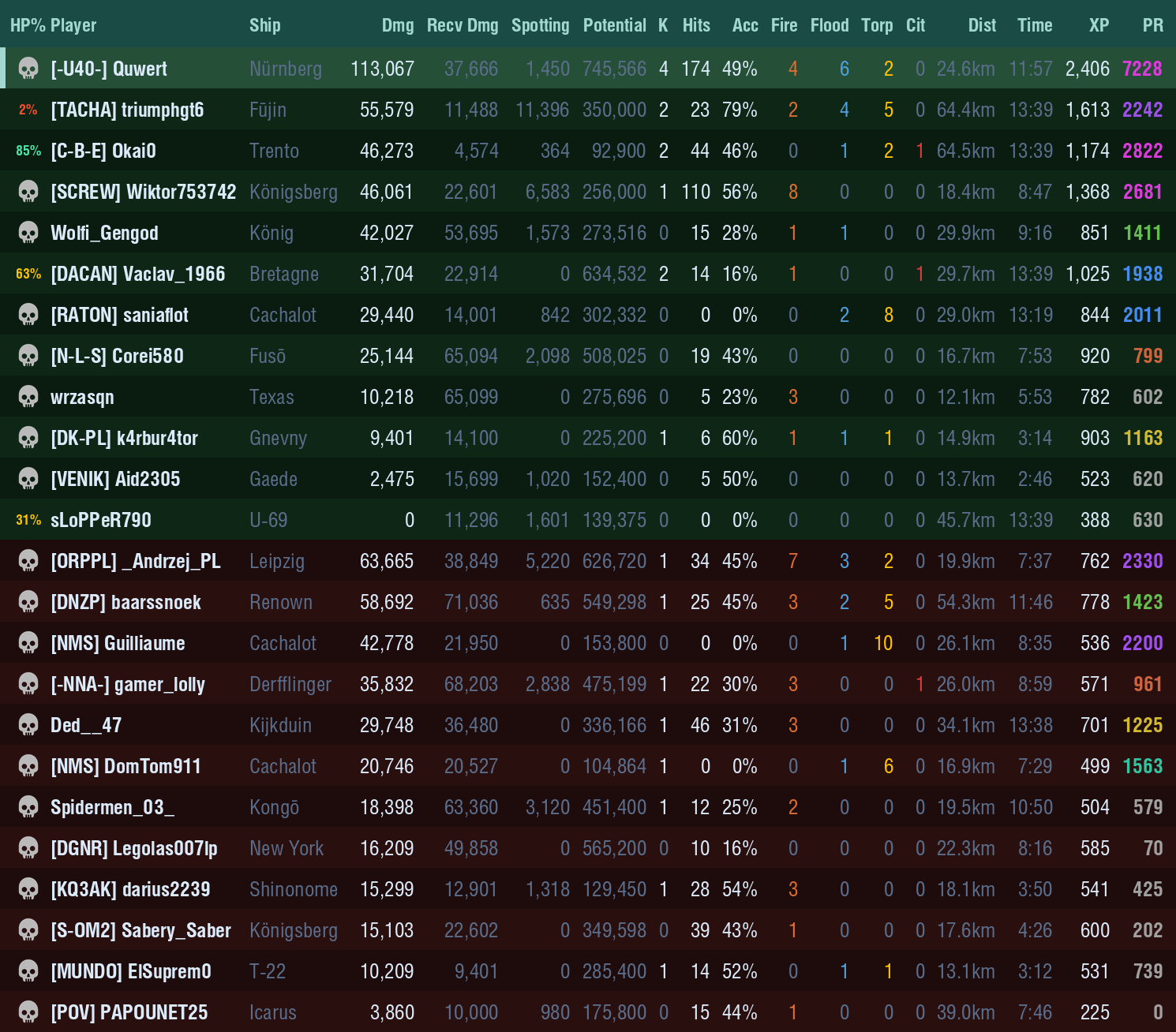
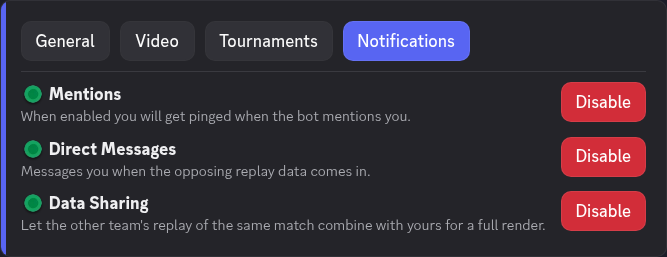
A replay only knows the full story of your own team. If someone on the other side has already uploaded the same match, your render pulls in their data and shows both teams in full. Uploaded first? No worries, once the opposing replay comes in, the bot pings you so you can grab the full render too. If you don't want your replay data to be shared, you can turn off data sharing in settings.
Fully customizable
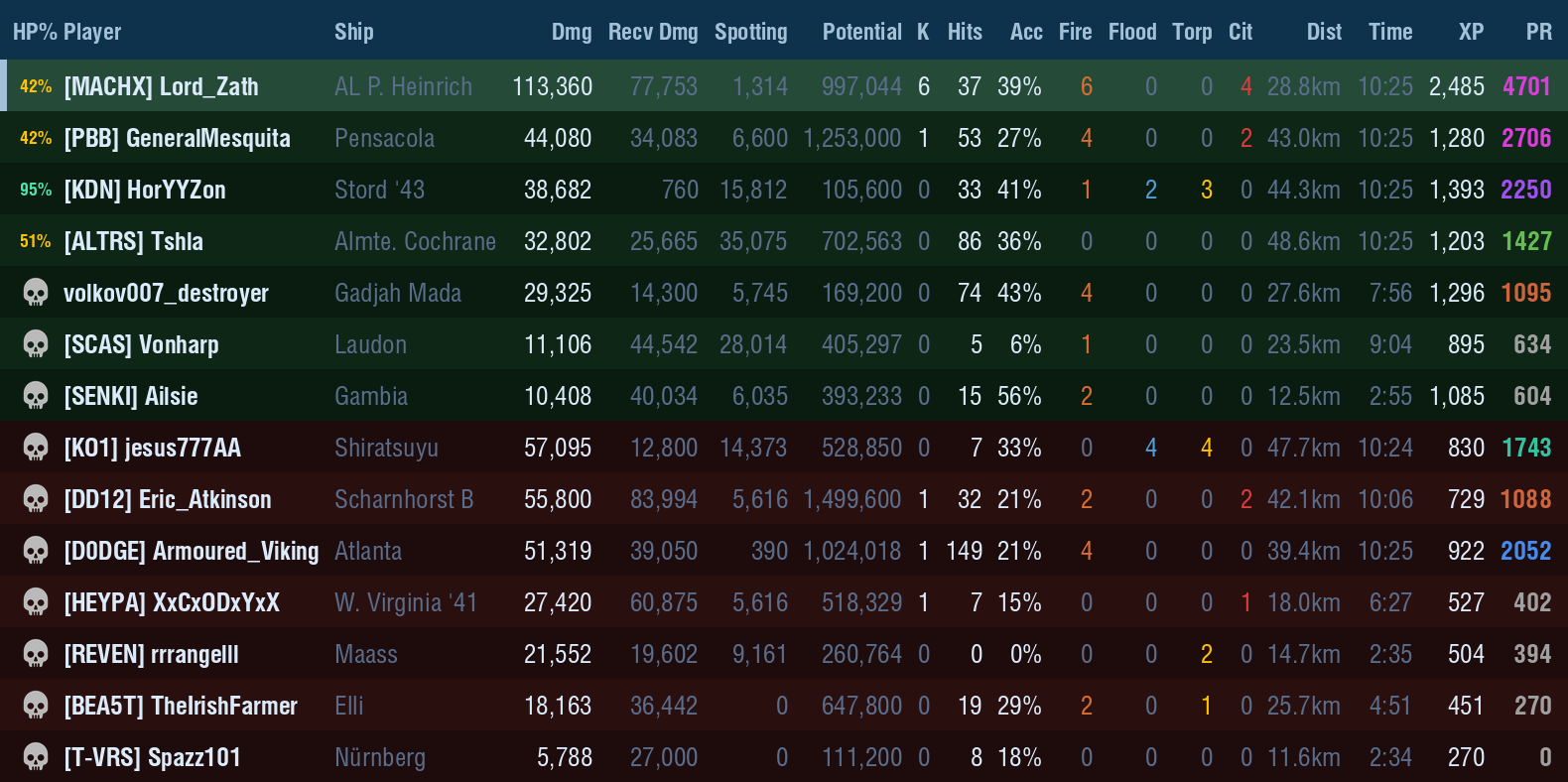
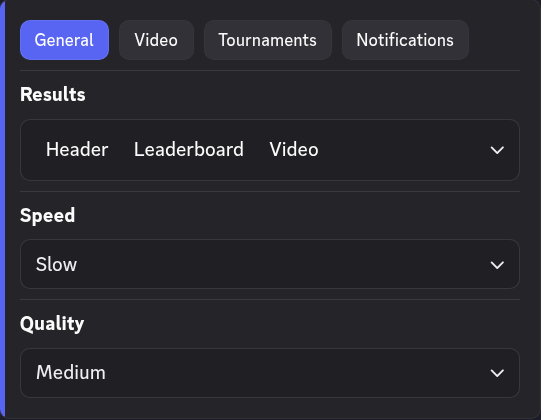
Your render, your rules. Choose what you get back: the video, the scoreboard, the replay file or any mix. Tune speed and quality, pick which panels and whose trails show, go anonymous, or set up tournament teams and scores. It's all behind one settings button (under the showcase video).
Backwards compatible
Got an old highlight saved? Replays as far back as 0.8.5 still render as videos, with full scoreboards from 13.10 onward. New patches are picked up automatically, so day one replays just work.